Where to Work: Best Laptop-Friendly Cafes Worldwide
Searching for a "laptop friendly cafe" usually means one thing: you want good Wi‑Fi, a power outlet, a comfy seat and a relaxed staff who won’t rush you out after one coffee. Whether you’re chasing "internet cafes near me", typing away in a co‑working style coffee shop, or hunting a quiet corner for a video call, this guide gives you practical, on‑the‑ground advice, city picks and safety tips so you can get work done and meet people along the way.
1. What people really mean by "laptop friendly cafe"
When someone types "cafe with wifi" or "coffee shop with wifi near me" into a search engine, they're not just looking for any open Wi‑Fi. They want a reliable workspace that fits a laptop lifestyle. That usually includes:
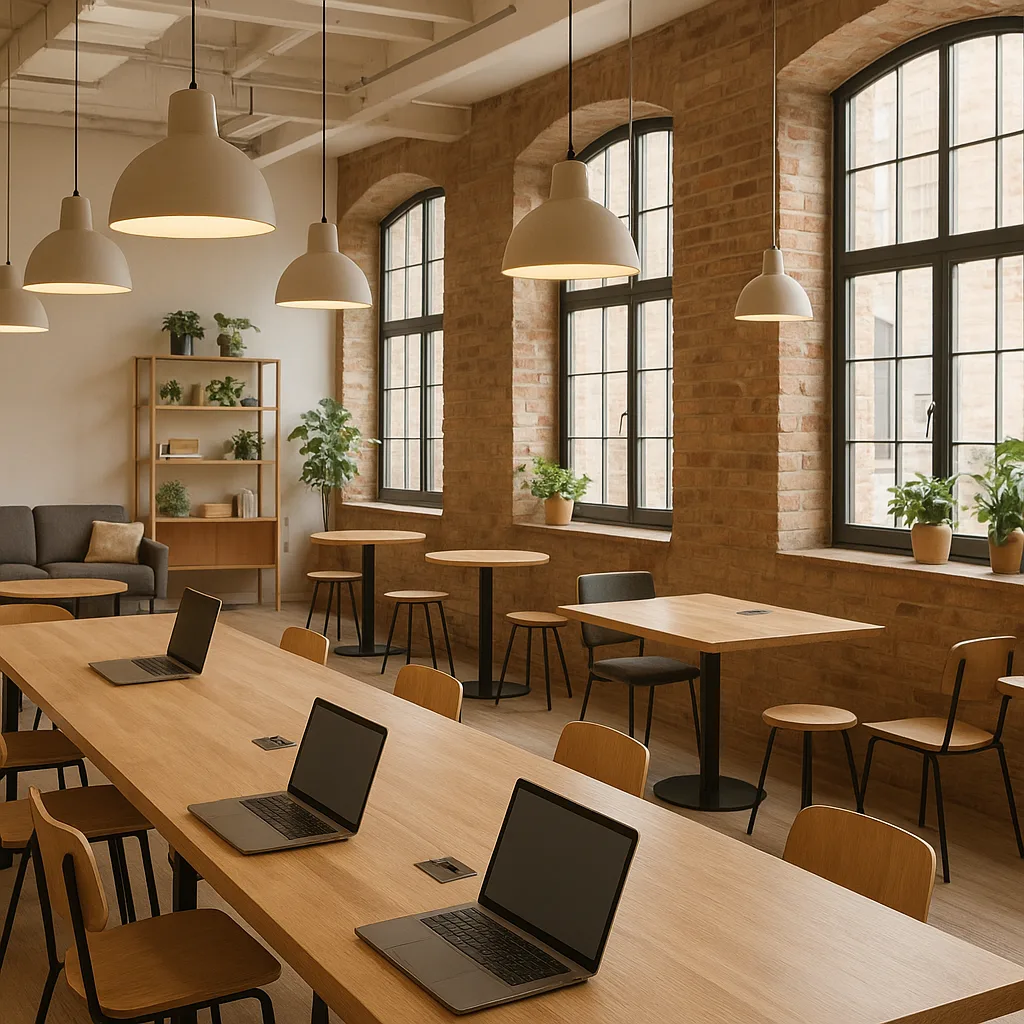
- Fast, stable internet (able to handle video calls and uploads)
- Accessible power outlets within reach of tables
- Comfortable seating and table space for a laptop
- Reasonable prices on food/drinks if you plan to stay hours
- A welcoming vibe and predictable opening hours
Knowing those priorities helps when you search for "cafe near me wifi" — and helps you tell a genuine laptop friendly cafe from a place that only claims to have Wi‑Fi.
2. How to find a great laptop friendly cafe
Use a mix of apps and techniques. Online listings are a starting point; visiting at the right time confirms the experience. I use these steps when scouting a new city:
- Search Google Maps for “laptop friendly cafe”, "cafe with wifi near me", or "coffee houses with wifi near me" and read the most recent reviews.
- Check Speedtest results or ask staff for average speeds (aim for 20 Mbps+ for smooth video calls).
- Look for photos of interiors on Instagram, Yelp, or the cafe’s website to confirm outlets and seating layout.
- Use Nomax to see if other travelers are nearby and join a table or meetup — it’s a great way to work together and swap tips.
- Quick filters and apps: Google Maps, Yelp, Foursquare, Coworker, Facebook groups, and Nomax.
- Local hacks: ask in local expat or digital nomad groups; they’ll recommend cafés that aren’t on big review sites.
3. The laptop‑friendly checklist: What to test in your first 10 minutes
When you walk in, you have about ten minutes to decide whether to stay. Test these items quickly:
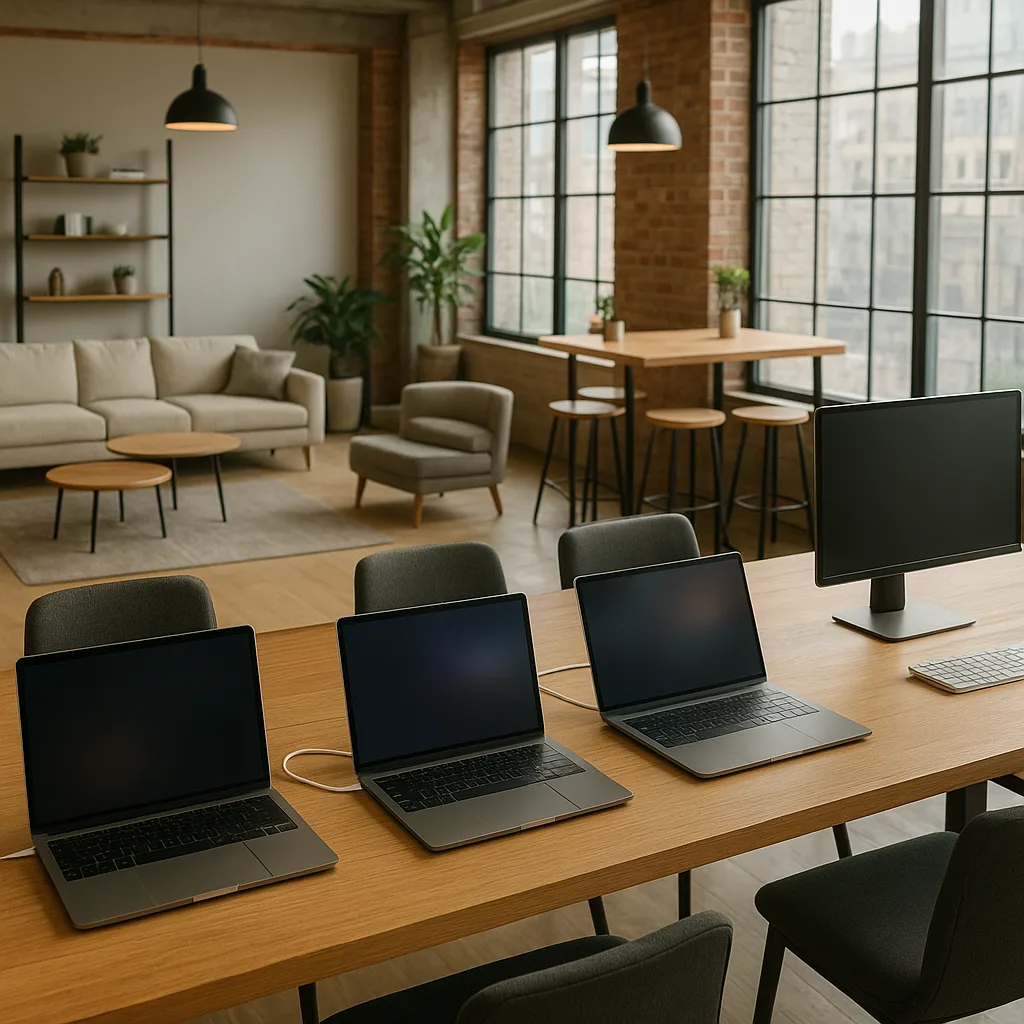
- Wi‑Fi name and speed: Connect and run a quick Speedtest (download should be 20 Mbps+ for stable Zoom, 5–10 Mbps may be enough for light work).
- Outlets: Count accessible sockets per 10 seats; if less than 25% of seats have power, expect turnover.
- Noise level: Can you talk on a call? Is music or kitchen noise constant?
- Seating: Are tables wide enough for a 13–15" laptop and a notebook? Ergonomics matter for long sessions.
- Staff policy: Are you required to order frequently? Will staff mind if you stay 3–4 hours?
If the Wi‑Fi drops below 10 Mbps or outlets are sparse, move on — you'll waste time and battery. If you're in doubt, ask: many cafés explicitly welcome remote workers and can point you to the quiet corner.
4. Laptop etiquette and how to avoid freeloading
Working from a café is a relationship of mutual benefit: you get a workspace; the cafe gets a paying customer. Keep it fair to stay welcome.
- Buy regularly: Plan one drink for arrival, another mid‑session and a light food item if you stay multiple hours. Typical prices: US $3–5 for drip coffee, $5–9 for an espresso drink, $8–15 for a sandwich.
- Rotate seats: If the cafe fills, move to a less desirable table or leave so paying customers can have prime spots.
- Be mindful of calls: Use headphones and step outside for long or loud conversations.
- Ask about time limits: Some places run a soft policy (2–3 hours) during peak times; others explicitly welcome long stays.
Most cafés prefer friendly workers who spend money. If staff asks you to move, comply with a smile — and tip if you can.
5. Comparison: Coffee shop vs coworking vs internet cafe — which should you choose?
Choosing between a coffee shop, coworking space, library, or a traditional internet cafe depends on budget, privacy needs, and how long you’ll stay.
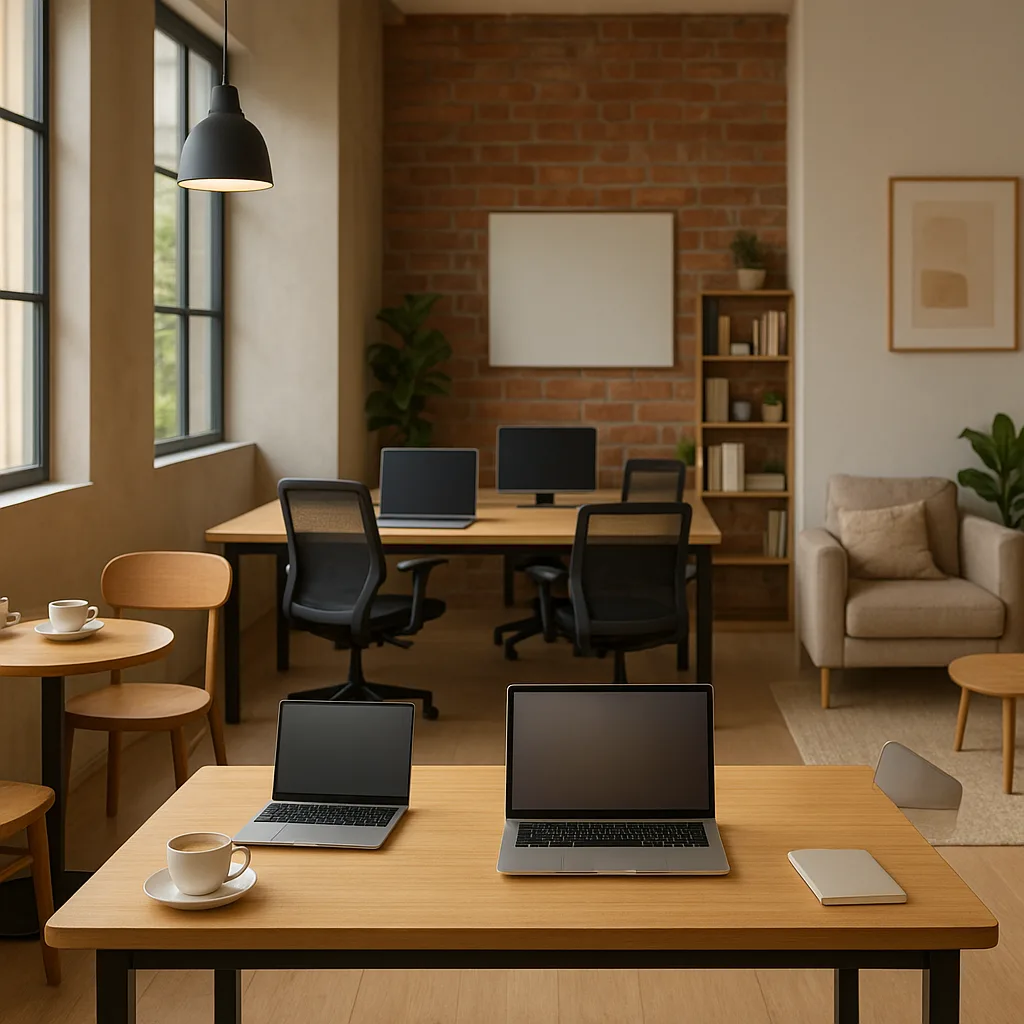
Coffee shop (the usual laptop friendly cafe)
- Pros: Low cost (one coffee covers hours), flexible hours, good for light meetings and people-watching.
- Cons: Noisy at peak times, inconsistent outlet access, limited privacy for calls.
Coworking space
- Pros: Fast Wi‑Fi, dedicated desks, meeting rooms and stable seating; day passes $10–30, monthly $100–300 depending on city.
- Cons: More expensive, less spontaneous, often requires booking.
Library
- Pros: Quiet, free or cheap, ample desk space, power usually available.
- Cons: Limited hours, often strict silence rules, may not serve food/drink.
Internet cafe (traditional)
- Pros: Pay‑per‑hour computers and printing, useful if you need a desktop or scanner; common in parts of Asia and Eastern Europe.
- Cons: Often designed for gaming or printing, not comfortable for long laptop sessions; privacy and hygiene can be issues.
Which to choose? If you need privacy and stable video calls, pick a coworking space. If you want low cost and sociability, the coffee shop wins. Use Nomax to find other nomads and decide together — it’s a great way to split a coworking pass or reserve a meeting room.
6. Real cafe picks with real details (people, prices, neighborhoods)
Below are tested examples across popular remote‑work cities. Prices and speeds are approximate and reflect typical experiences in 2024–2026.
New York City — Brooklyn, Williamsburg & Manhattan, Greenwich Village
- Devoción (Williamsburg / Downtown) — Excellent Wi‑Fi (30–80 Mbps), good power access, artisanal coffee. Coffee $4–6. Best for morning work sessions.
- Think Coffee (Greenwich Village) — Budget friendly, reliable Wi‑Fi, many outlets, menu $3–10. Often busy midday; arrive early for a spot.
London — Shoreditch & Fitzrovia
- Ozone Coffee Roasters (Shoreditch) — Spacious, long tables, outlets, Wi‑Fi 50–100 Mbps. Brunch item $8–15. Great for meetings and daytime remote work.
- Workshop Coffee (Fitzrovia) — Quiet corners, reliable Wi‑Fi, a little pricier: coffee £3.5–£5 ($4.5–6.5).
Lisbon — Alfama & Bairro Alto
- Fábrica Coffee Roasters (Chiado) — Good Wi‑Fi, modern design, plugs at many tables. Coffee €2–3. Speed about 30 Mbps.
- Wish Slow Coffee House (Bairro Alto) — Cozy, calm afternoons, wifi OK for emails and calls.
Bali — Canggu & Ubud
- Crate Cafe (Canggu) — Popular with digital nomads, decent Wi‑Fi (20–50 Mbps), strong vibe and community — expect to spend $3–6 on coffee.
- Seniman Coffee Studio (Ubud) — Good for focused mornings; seating and plugs vary.
Chiang Mai — Nimmanhaemin
- Ristr8to Lab — Famous for quality coffee, enough outlets for light work; expect to move to quieter cafes during heavy afternoons. Coffee $2–4.
- Mana Cafe — Nomad favorite, consistent Wi‑Fi, seats for long sessions.
Bangkok — Ari & Thonglor
- Roots Coffee Roaster (Ari) — Reliable Wi‑Fi, outlets, daytime crowd of freelancers and creatives.
- The Commons Thonglor — Food court style with cafes; pick a smaller stall with outlets for long work sessions.
These are examples — every city has local favorites that evolve quickly. Use Google Maps and Nomax to check for recent reviews and to meet other travelers who can point you to hidden gems.
7. Safety, scams, and common mistakes
Working from cafés is mostly safe, but be aware of scams and petty theft. Here’s what I’ve learned during travels:
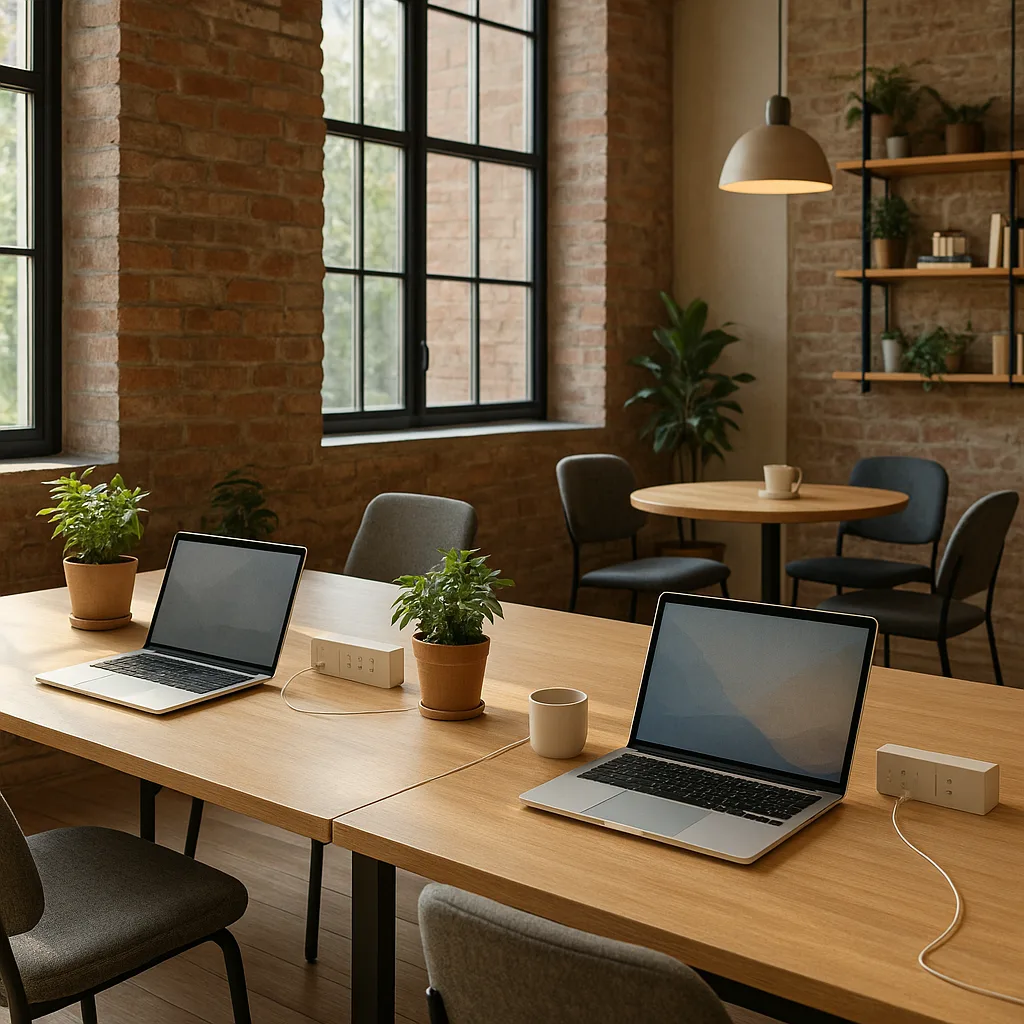
- Fake Wi‑Fi hotspots: Attackers create networks like "Cafe_WiFi" and "Cafe_WiFi_2" to intercept data. Always confirm the exact SSID with staff, and use a VPN for any sensitive work.
- Charging scams: Some places advertise “charging for a fee” or use shared charging stations that can damage devices. Carry your own cable and power bank.
- Socket theft: Don’t leave devices unattended while charging — a coworker or stranger could walk off with a laptop or charger.
- Payment surprises: Watch the bill for hidden service fees in tourist areas; always check the total before paying.
Common mistakes include relying on a single café for hours without confirming policies, assuming outlets exist at every table, and not bringing headphones or a portable battery.
8. Tools, gear and apps that make cafe work painless
Don’t leave home without a few extras that transform a mediocre coffee shop into a reliable office.
- Portable battery pack (20,000 mAh): Enough for multiple phone charges and at least one laptop top‑up (USB‑C PD).
- Extension cable with surge protection: Many cafés have one outlet per table; a short extension is invaluable.
- Noise‑cancelling headphones: Essential for calls in busy cafés. Budget options start at $50; premium $200–350.
- VPN: Use a reputable VPN (NordVPN, ProtonVPN, or ExpressVPN) when on public networks.
- Speedtest app: Test upload/download before a long meeting.
- Nomax app: Use Nomax to find nearby travelers, spontaneous meetups and someone to share a table or coworking day pass with.
9. How to tell a real "internet cafe" from a laptop‑friendly coffee shop
Searches for "internet cafes near me" still bring up two different things: traditional internet cafes (pay‑by‑hour PCs, printing/scanning) and modern coffee shops that welcome laptops. Here's how to distinguish them quickly:
- Signage and photos: Traditional internet cafes often show PC booths or gaming chairs in photos; laptop cafes show tables and bar seating.
- Pricing: Internet cafe prices are hourly (e.g., $1–$5/hour in many Asian cities); laptop cafes are pay‑per‑item like any coffee shop.
- Amenities: Internet cafes offer printing, scanning, and sometimes photo services. Laptop cafes focus on food, coffee and ambiance.
- Clientele: Internet cafes may have gamers or long‑term local users; laptop cafes often host freelancers, students and tourists.
Choose an internet cafe if you need a desktop, printing or low‑cost hourly access. Choose a laptop friendly cafe for a pleasant environment and social interaction.
Conclusion
Finding a reliable laptop friendly cafe is part skill, part scouting. Use the checklist in section 3, the apps in section 2, and Nomax to meet other travelers or share a workspace. Expect to pay reasonable local prices ($3–10 for coffee, $10–30 for coworking passes), confirm Wi‑Fi speeds, and bring a battery pack and VPN. With those tools you can turn almost any welcoming coffee shop into an efficient, friendly office away from home.
Frequently asked questions
- What makes a cafe "laptop friendly"?
- A laptop friendly cafe offers reliable Wi‑Fi (generally 20 Mbps+ for video calls), accessible power outlets, comfortable tables, and a staff who tolerates long stays. It’s also helpful if the cafe has reasonable prices and a quiet or predictable noise level.
- How can I find cafes with Wi‑Fi near me?
- Search Google Maps or Yelp for terms like “cafe with wifi near me” or “laptop friendly cafe,” check recent reviews and interior photos, and use apps like Nomax to see where other travelers are working. Always confirm the exact Wi‑Fi SSID with staff to avoid fake networks.
- Is it okay to work in a cafe all day without buying much?
- Most cafes expect customers to make purchases while staying. A fair approach is to buy a drink on arrival, another during your session, and a snack if you stay several hours. If the cafe becomes busy, be prepared to free up a prime seat.
- Should I use a VPN on public cafe Wi‑Fi?
- Yes. Public Wi‑Fi can be intercepted through fake hotspots or unsecured networks. Use a reputable VPN when accessing email, cloud storage, or sensitive work apps to protect your data.
- How much Wi‑Fi speed do I need for remote work?
- For simple email and browsing, 5–10 Mbps is usually fine. For Zoom calls or video conferences, aim for at least 20 Mbps download and 5–10 Mbps upload to avoid lag and dropped calls.
- What gear should I bring to work from a cafe?
- Bring a portable battery (20,000 mAh or a USB‑C PD pack), a compact extension cable, noise‑cancelling headphones for calls, and your own charging cable. A light laptop stand and wireless mouse improve comfort for long sessions.
- How do I tell apart a traditional internet cafe from a laptop friendly coffee shop?
- Traditional internet cafes typically offer hourly PC rentals, printing/scanning and gaming booths, while laptop friendly coffee shops sell food and drinks and provide table seating with outlets. Pricing clues and photos on listing pages also help distinguish them.